- Update your website: Update your website software and plugins regularly. This will close security vulnerabilities and make your website load faster.
- Change your hosting provider: If your website is loading slowly, you may want to consider changing your hosting provider. A better hosting provider will make your website load faster.
- Reduce page size: By reducing the page size on your website, you can speed up the load time. Therefore, by avoiding unnecessary HTML tags, CSS styles, and JavaScript codes, you can make your website load faster.
- Remove unnecessary plugins: By removing unnecessary plugins from your website, you can speed up the load time. Therefore, you can make your website load faster by deleting the plugins that you do not use.
These tips are the most common and effective methods you can use to increase the speed of your website. However, more methods may be available to increase the speed of your website. Therefore, you can apply the most suitable solutions by researching all the methods you need to increase the speed of your website. Also, by using different tools to test your website speed, you can determine which areas you need to make improvements.
Update Your Website
Updating your website means renewing your website’s software and content. This improves your website performance, security and user experience.
Updating your website software increases your website’s functionality and security. Software updates add new features that improve the functioning of your website, while closing security vulnerabilities, making your website more resistant to attacks.

A content update is an update of the content on your website. By updating the content on your website regularly, you can increase the likelihood of your users returning to your website. Also, updating your content regularly can enable search engines to crawl your website more often, leading your website to rank higher in search results.
To update your website, you can make software and content updates by entering your website’s administration panel. Software updates can usually be done with a few clicks, while content updates can take more time and effort depending on your website type and content.
The importance of updating your website increases the performance of your website and improves the user experience while ensuring the security of your website. Therefore, updating your website regularly is extremely important to your website’s success.
Change Your Hosting Provider
Hosting is the provision and management of servers necessary for websites to connect to the internet. A hosting provider is a company that hosts your website’s servers. Choosing the right hosting provider is very important as your hosting provider has a direct impact on the speed, performance and security of your website.
When a website loads slowly, many factors can come into play, including the hosting provider’s infrastructure and performance issues on their servers. Therefore, you may consider changing your hosting provider. A better hosting provider can offer faster load times, higher levels of security, better performance and better customer support.
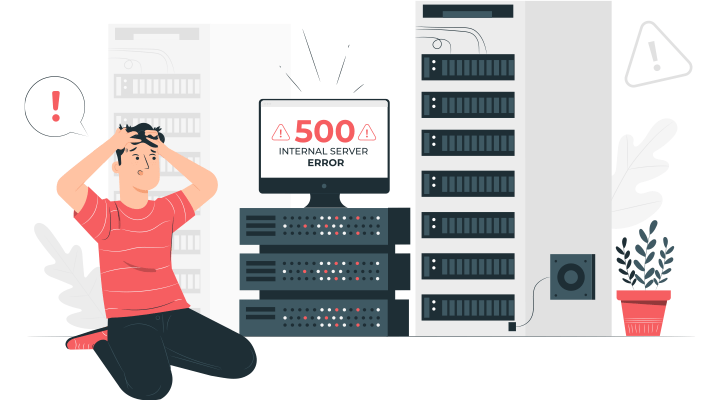
When choosing a hosting provider, you need to consider several factors. These can include factors such as server speed, bandwidth, data center location, price, customer support, security and backup services. These factors can directly affect the speed, performance and security of your website.
When changing your hosting provider, you may need to back up your existing hosting account and make a plan for your new hosting provider to handle the transfer process. Your hosting provider’s support can help you with this. You may also need to update your DNS settings for your website to be fully active.
In summary, changing your hosting provider is an important step in improving your website’s speed, performance, and security. However, you need to be careful when choosing a new hosting provider and make the right choice.
Reduce Page Size
The size of the web pages is an important factor for the loading speed of the website. Page size refers to the file size of all the content on the page. This content may include HTML, CSS, JavaScript, images, videos and other types of media. The larger the page size, the longer the website load time.
There are several ways to reduce the page size:
- Remove unnecessary HTML tags and CSS styles: Unnecessary tags and styles of HTML and CSS codes increase the page size. Therefore, you can reduce the page size by removing unnecessary HTML tags and CSS styles on your page.
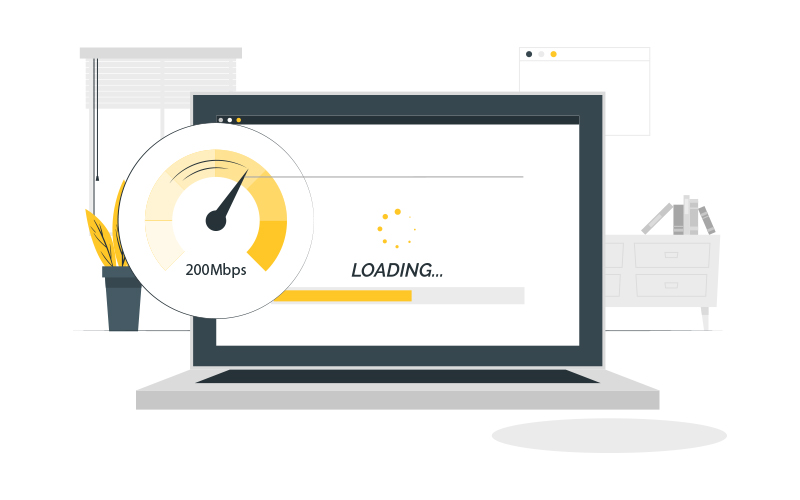
- Use compressed images: Images can make up a large portion of the page size. Reducing image sizes can reduce file size. You can also further reduce the file size by compressing images.
- Optimize JavaScript files: JavaScript files can make up a large portion of the page size. Therefore, by optimizing JavaScript files, you can reduce the file size. This means removing unnecessary code and spaces, compressing code and minimizing external JavaScript libraries.
- Upload videos appropriately: Videos are one of the biggest causes of page size. Therefore, you can reduce the file size by uploading videos appropriately. Save videos in small sizes or reduce file size by hosting videos on a third-party service.
- Split your pages into pieces: You can reduce the page size by breaking your pages into small pieces. This means that users don’t have to wait for other parts when they need to load a particular part of the web page.
Reducing the page size is an important step to increase the speed of your website. By following these steps, you can make your website load faster and keep your users on the website longer.
Remove Unnecessary Add-ons
Plugins on your website are used to increase the functionality of your website and add features. However, plugins you don’t use or unnecessary can slow down your website speed and cause security vulnerabilities. Therefore, it is recommended to remove unnecessary plugins to increase the speed of your website.
To remove unnecessary plugins, you must first examine all the plugins installed on your website. It is recommended that you do an evaluation of each of the plugins to understand what they do for your website, how often they are used, and how much resources they consume.
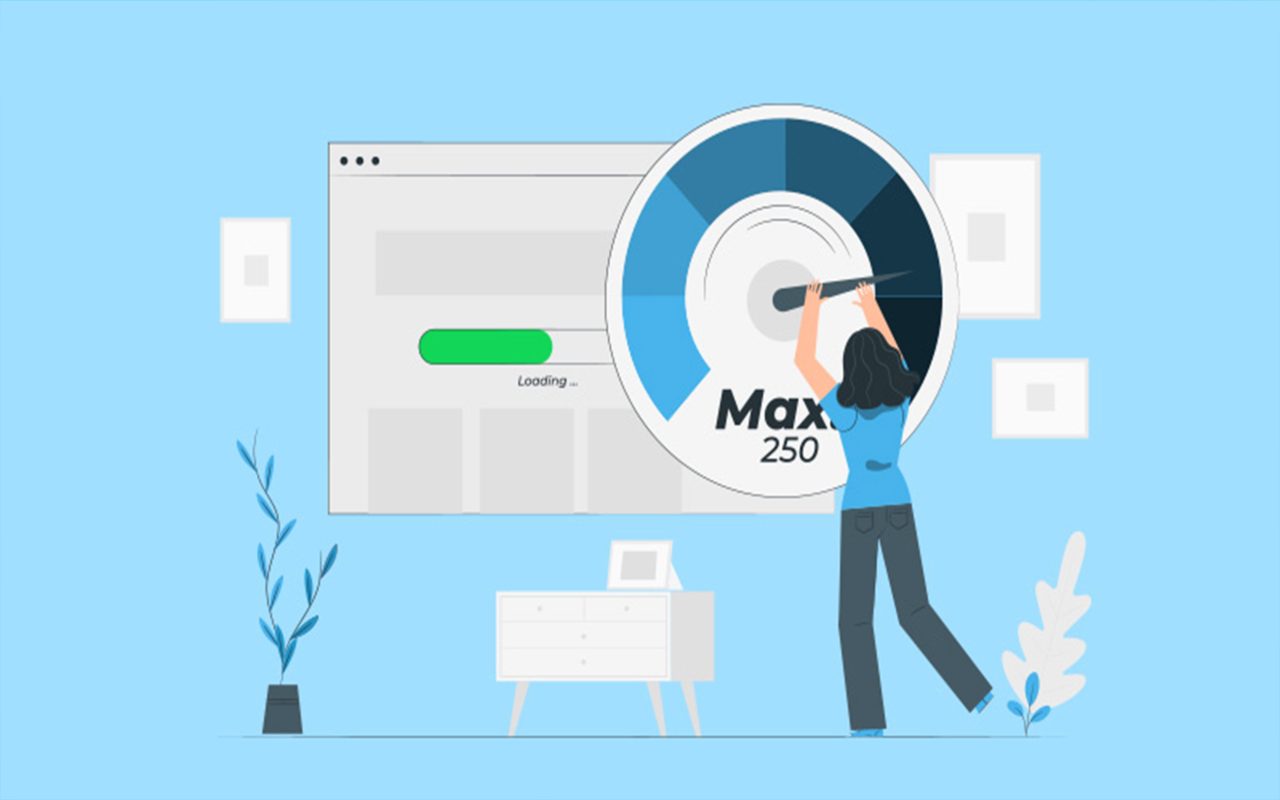
If you notice that a plugin is not used or used very little, you can remove it from your website. This will increase the speed of your website and avoid unnecessary resource consumption. Also, using fewer plugins can increase the security of your website.
However, when removing plugins from your website, be careful not to remove a plugin that will affect the functionality of your website. Removing plugins can prevent your website from working or affect its features. Therefore, before removing a plugin, it is recommended to do a test to understand how your website will be affected.
As a result, by removing unnecessary plugins on your website, you can increase your website speed and avoid unnecessary resource consumption. However, be careful not to remove a plugin that will affect the functionality of your website, and do not remove a plugin before performing a test.